

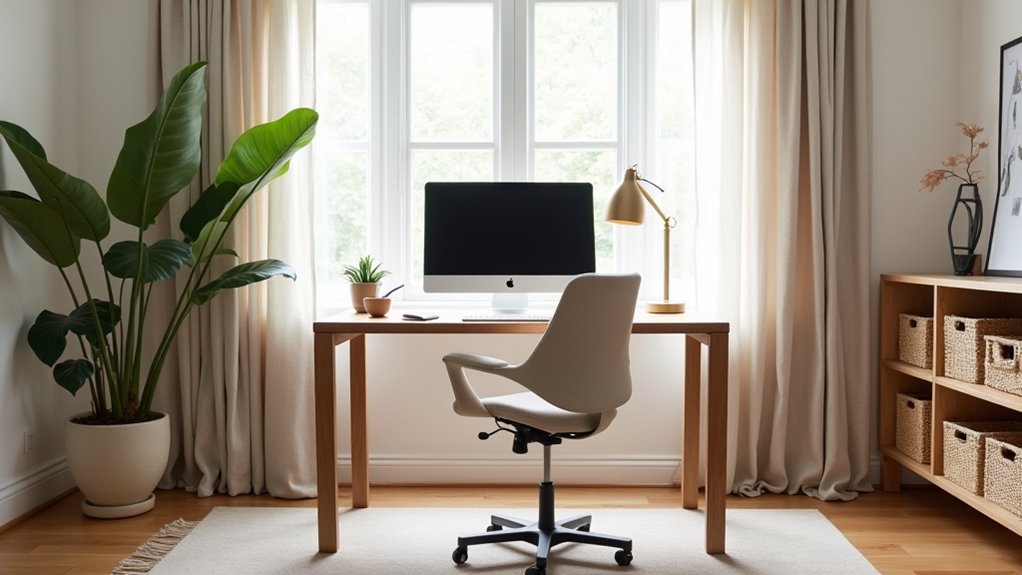
You don’t need a full remodel to make your home office work harder for you. Start by resetting the layout so your desk, reference items, and supplies each have a clear zone, and you’re not wasting steps. Then fix the lighting with warm-neutral LEDs and a task lamp that cuts glare on your screen. Finally, swap in durable, easy-clean materials where wear shows fastest. The next moves cost less than you think but change everything…
Reset Your Home Office Layout for Better Flow
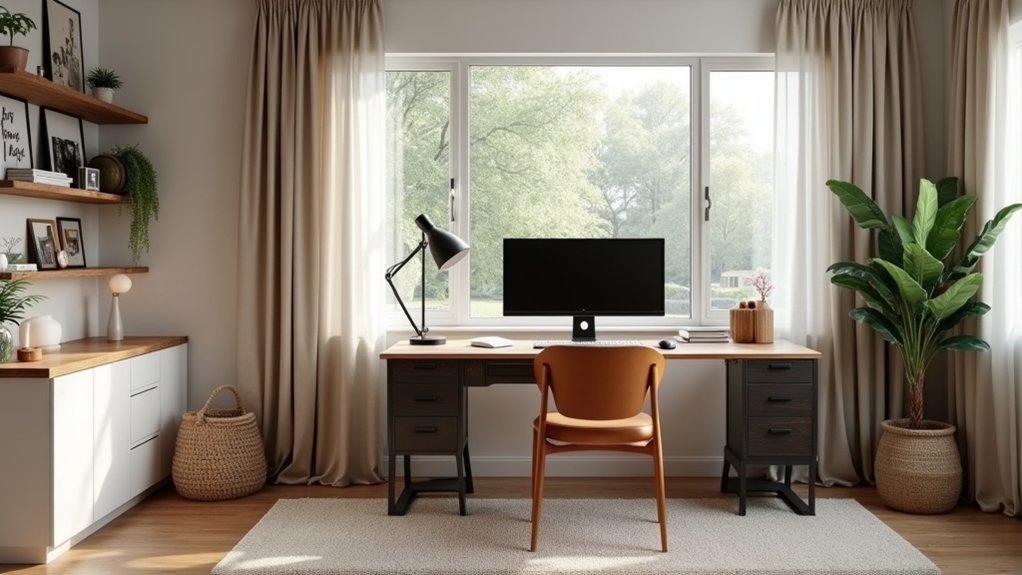
If your home office feels cramped or distracting, a quick layout reset can boost your output without spending a dime. Start by clearing a 3-foot path from door to chair so you’re not weaving around clutter.
Group tasks into zones: work surface, reference area, and supplies. Put daily-use items within arm’s reach and move rarely used gear to a back corner to cut micro-delays.
Evaluate Ergonomic furniture placement: keep chair, keyboard, and monitor aligned with your natural reach to reduce fatigue that kills billable hours.
Then upgrade flow with Storage solutions you already own—stackable bins, bookends, and a labeled inbox/outbox.
Finally, hide cables along walls and under shelves; fewer snags means faster resets and cleaner focus daily.
Place Your Desk for Comfort and Camera Angles
Before you buy a single upgrade, reposition your desk to maximize comfort and present a clean, professional camera view. Start with desk placement: sit with your back supported and place the monitor an arm’s length away, top of screen near eye level, so you don’t crane your neck.
Angle the desk so you can face the room, not a wall, which reduces stress and helps you stay engaged. For calls, prioritize camera positioning: center the webcam at eye height and frame from mid-chest up.
Keep the background simple by placing the desk so shelves or a blank wall sit behind you, not cluttered doorways. Finally, check reach zones—keyboard, mouse, and notebook should sit within a forearm sweep to cut fatigue and boost output.
Upgrade Home Office Lighting Without Harsh Glare
Once your desk and camera angle look right, lighting becomes the fastest, lowest-cost upgrade that makes you look sharper and feel less drained.
Start by swapping harsh overhead bulbs for warm-neutral LEDs (3000–4000K) with high CRI; your skin tone and documents look cleaner on video.
Add ergonomic lighting: a dimmable task lamp placed 30–45 degrees to the side, slightly above eye level, so it hits the work surface without blasting your face.
Control glare by angling screens away from windows and using matte shades or a cheap clip-on diffuser.
Then build ambient illumination with a second, low-watt lamp behind you to reduce contrast and eye strain.
You’ll spend little and gain comfort, focus, and better calls.
Choose Home Office Materials That Take Daily Wear
Because your chair, desktop, and cables take hits every day, the materials you choose matter more than trendy finishes. Prioritize surfaces that resist scratches, heat, and spills so you don’t replace them in a year.
A laminate or solid-core desk with edge banding usually beats cheap veneer on cost per use. Add a desk mat and cable sleeves to prevent wear where friction is constant.
For seating, buy an ergonomic chair with a durable fabric or bonded leather you can wipe clean; check weight rating, parts availability, and warranty length for real ROI.
Protect floors with a hard chair mat or felt pads. If noise cuts into focus, invest in soundproof panels made from dense PET felt; they’re affordable, movable, and tougher than foam.
Add Textures and Color to Stay Focused Longer
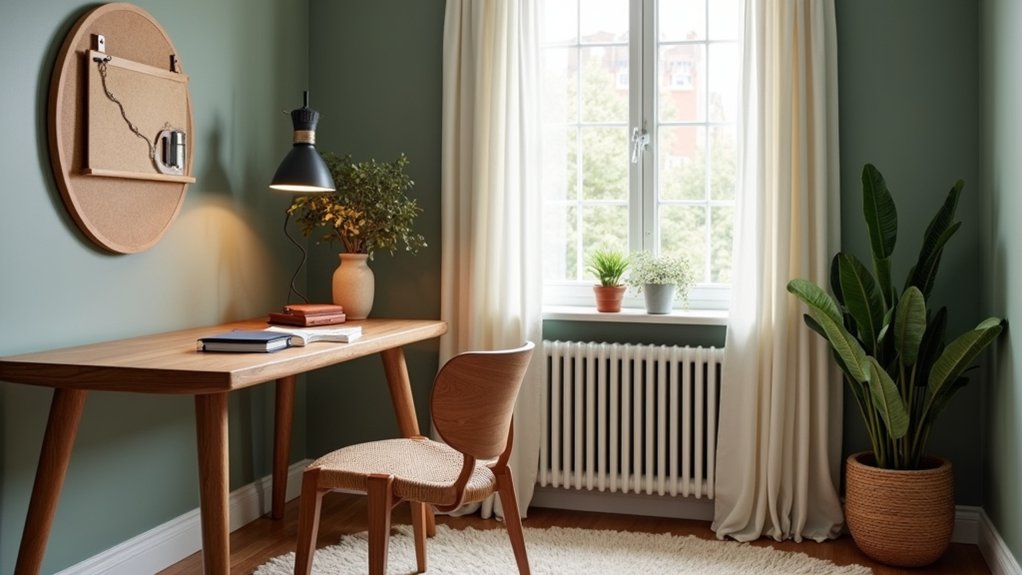
If your home office feels flat, you’ll burn focus faster, so add intentional texture and a tight color palette to keep your brain engaged without creating visual noise. Start with one “anchor” surface: removable textured wall coverings behind your monitor or on a side wall. They’re low-cost, renter-friendly, and they hide scuffs, which protects resale and reduces repainting.
Then pick two neutrals plus one bold color and repeat it three times: a desk mat, a file box, and a small print. Skip big-ticket decor; use vibrant accent pieces you can swap seasonally, like a pillow on a chair, a lamp shade, or a plant pot.
This approach raises mood, improves task stamina, and keeps upgrades modular for better ROI over time.
Frequently Asked Questions
How Can I Reduce Echo and Improve Audio Quality in My Home Office?
Reduce echo by adding acoustic panels on bare walls, hanging soundproof curtains over windows, and placing a thick rug plus bookshelves. You’ll cut reverb fast, boost call clarity, and get strong ROI without pricey remodels.
What Are the Best Ways to Hide Cables Without Damaging Walls?
You’ll hide cables best with adhesive Cable management clips, under-desk trays, and fabric sleeves—quick concealment solutions that vanish like vines behind a trellis. Route along baseboards with removable raceways and use cord boxes; you won’t scar paint.
How Do I Choose a Reliable Webcam and Microphone for Video Calls?
Choose a 1080p webcam with autofocus and good low-light; pair a USB cardioid mic with mute. Prioritize ROI via midrange brands and return policies. Nail webcam positioning and video call etiquette for clearer, confident calls.
Which Plants Are Low-Maintenance and Safe for Pets in an Office?
You’ll do well with pet safe picks like spider plant, Boston fern, and areca palm—great Pet friendly greenery. Choose Easy care plants in small pots; they’re cheap, boost focus, and cut decor spend.
How Can I Improve Wi‑Fi Strength and Connectivity in My Workspace?
Like tuning a radio through fog, you’ll boost Wi Fi by placing your router high and central, switching channels, updating firmware, and adding Wi Fi signal boosters. Lock down Network security; prevent freeloaders draining bandwidth, saving money.